Lahore · Mall Road
- Fiscal path
- PRA
- Setup
- Punjab · 3 tills
Fiscal POS · Pakistan provinces
Digital invoices and POS for shops across Pakistan. Pick the branch province - PRA, SRB, KPRA, or BRA - charge once, and unlock the official receipt only after that authority stamps the sale.

New in Taxora PRA
Province on the branch, official PDFs, offline continuity, and clearer staff roles - Punjab PRA live first, with SRB, KPRA, and BRA on the same shop graph.
Province-aware branches
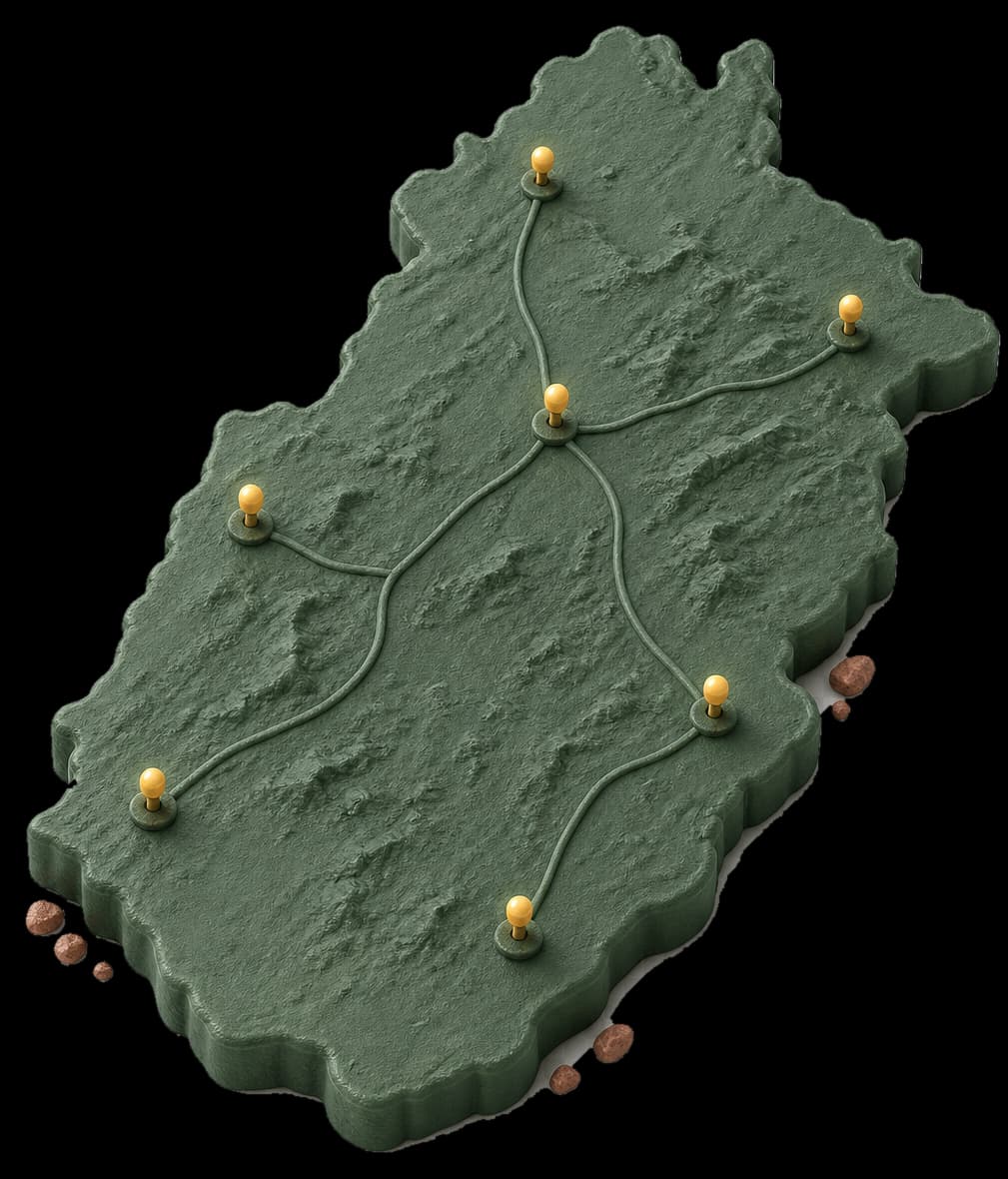
Each branch sets a province. Taxora maps Punjab → PRA, Sindh → SRB, KP → KPRA, Balochistan → BRA for the till path.
Official sales-tax PDF
FBR-style A4 layout with supplier | buyer columns, PCT/HS lines, QR after stamp, and Taxora green accents.
Offline sale queue
If the line drops mid-shift, sales save on the tablet with an idempotency key and dead-letter when a 4xx needs a fix.
Cashier → Lead roles
Permission codes for sell, shift, catalogue, buyers, invoices, and reports - not just a nav list.
Hardened login & mail
1-hour reset links, anti-enumeration, short-lived JWT with refresh blacklist, and clean transactional emails.
Product walkthrough
Loading walkthrough
Taxora posts through the fiscal path for that branch’s province - PRA, SRB, KPRA, or BRA - keeps the sale waiting while it processes, and opens print only after approval.
See how compliance works
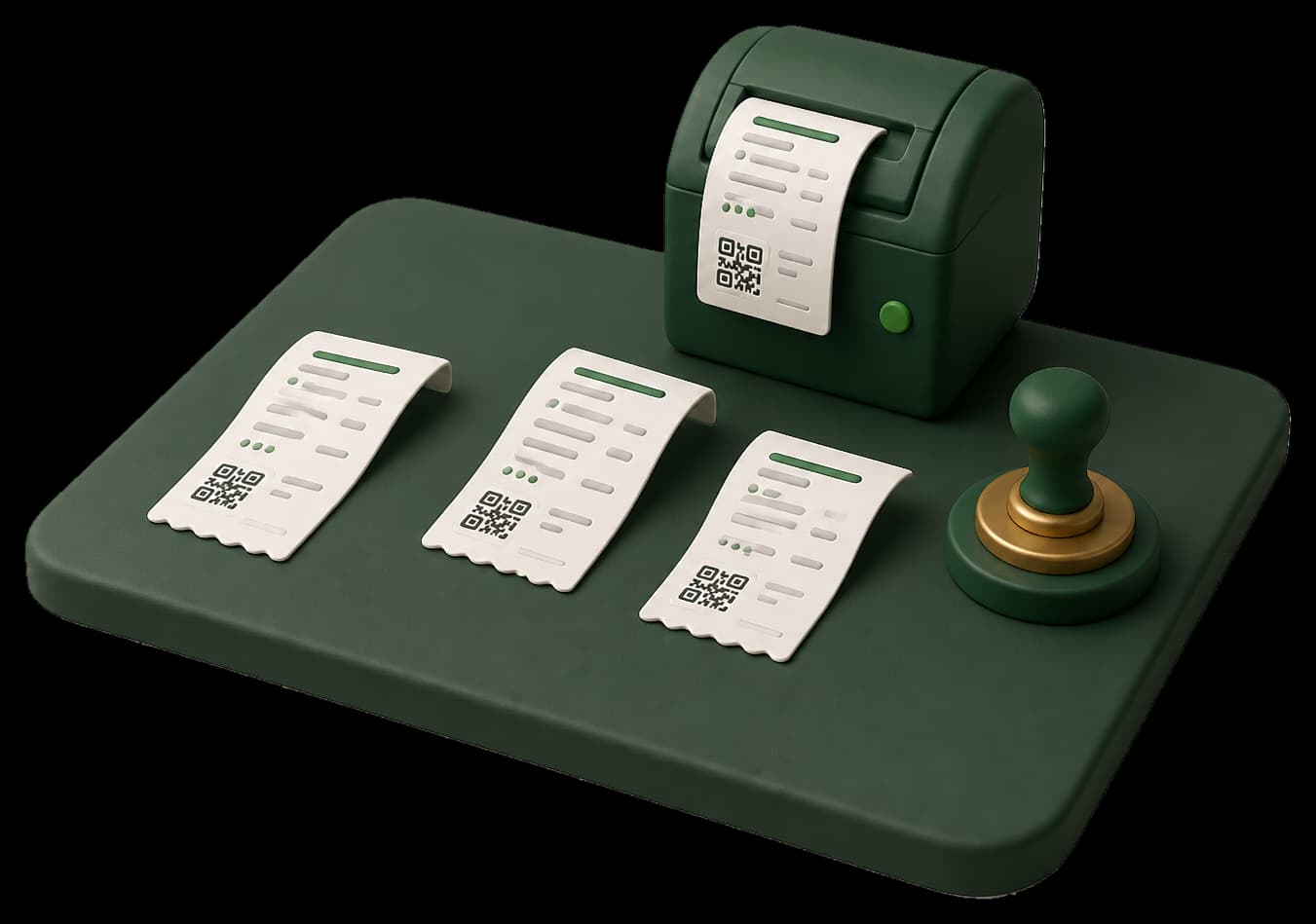
Stamp unlocks only after Code 100
The preview changes state without changing the rule: one customer payment keeps one sale identity.
Explore all features
Taxora PRA · Illustrative preview
| Reference | Sale / item | Amount | Status |
|---|---|---|---|
| TXR-88421 | Walk-in customer | Rs 8,100 | Queued |
| TXR-88418 | Named buyer | Rs 12,400 | Stamped |
| TXR-88412 | Walk-in customer | Rs 2,100 | Stamped |
Add locations with a province. Taxora stamps invoices to that branch address, routes fiscal posting by authority, and keeps stock shop-level for this phase.

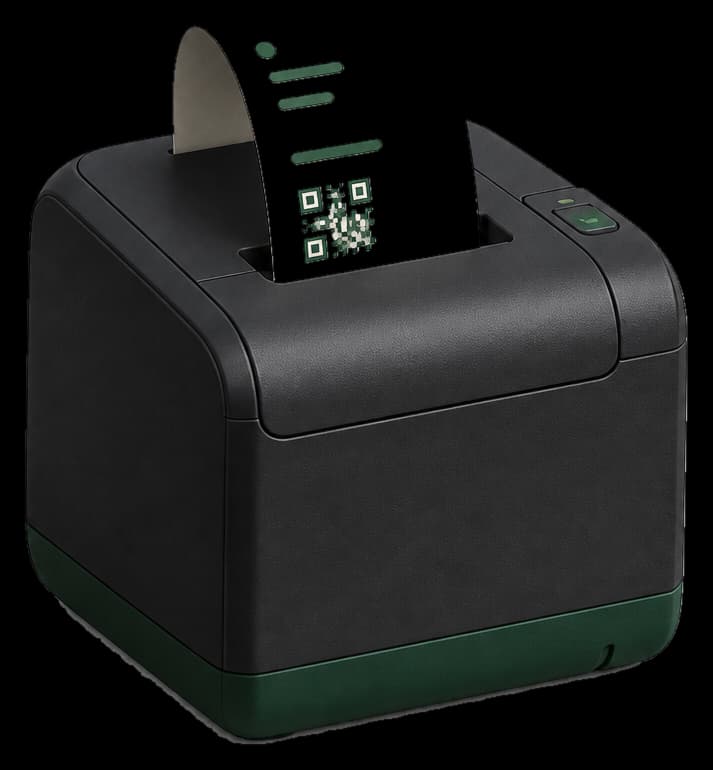
Run the web till on a tablet or PC, connect a thermal printer, and add a USB barcode scanner when the shop needs it.
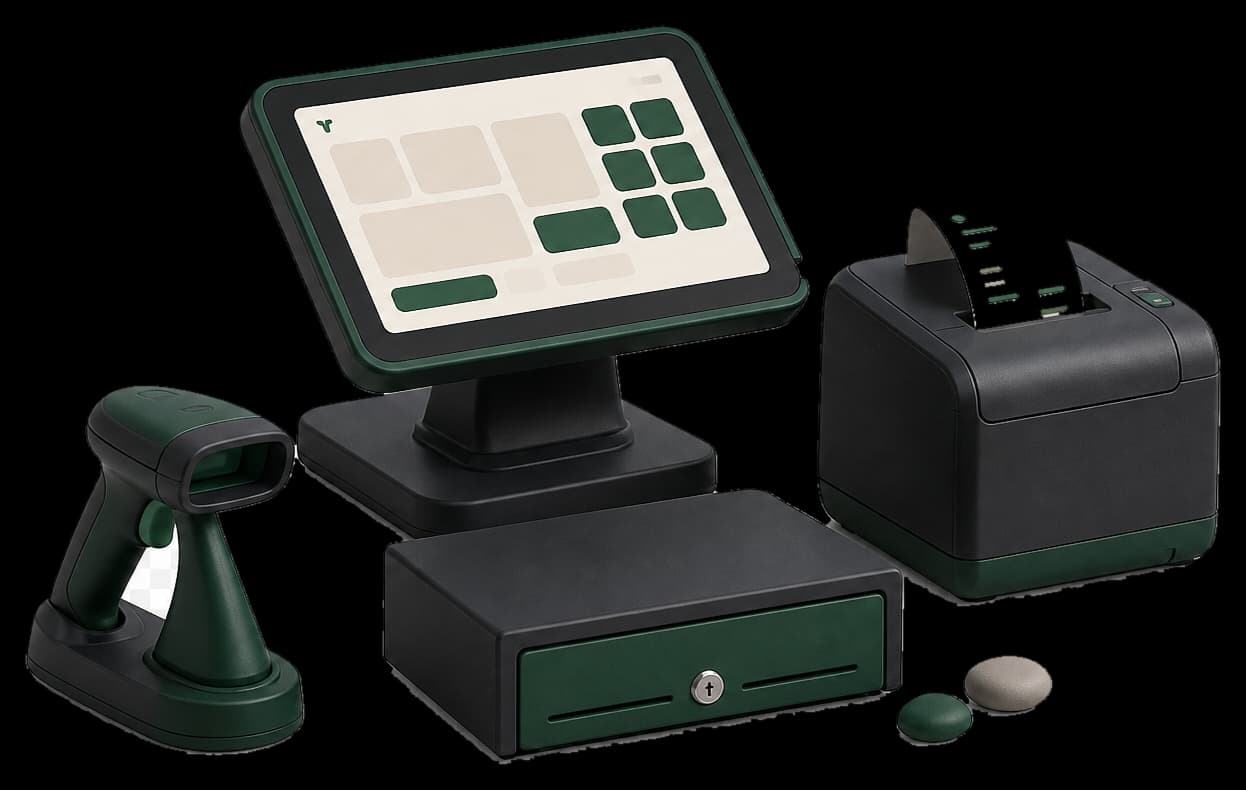

Counter setup
Browser + printer + scanner
Monthly by default - save 15% when you pay yearly.
Rs 5,000 / mo
+ Rs 30,000 integration once
Rs 9,000 / mo
+ Rs 30,000 integration once
Rs 15,000 / mo
+ Rs 45,000 integration once
Knowledge centre - comparisons, guides, compliance and updates.
One sale moves through four visible states. Retry never creates a second identity.
01
02
03
04
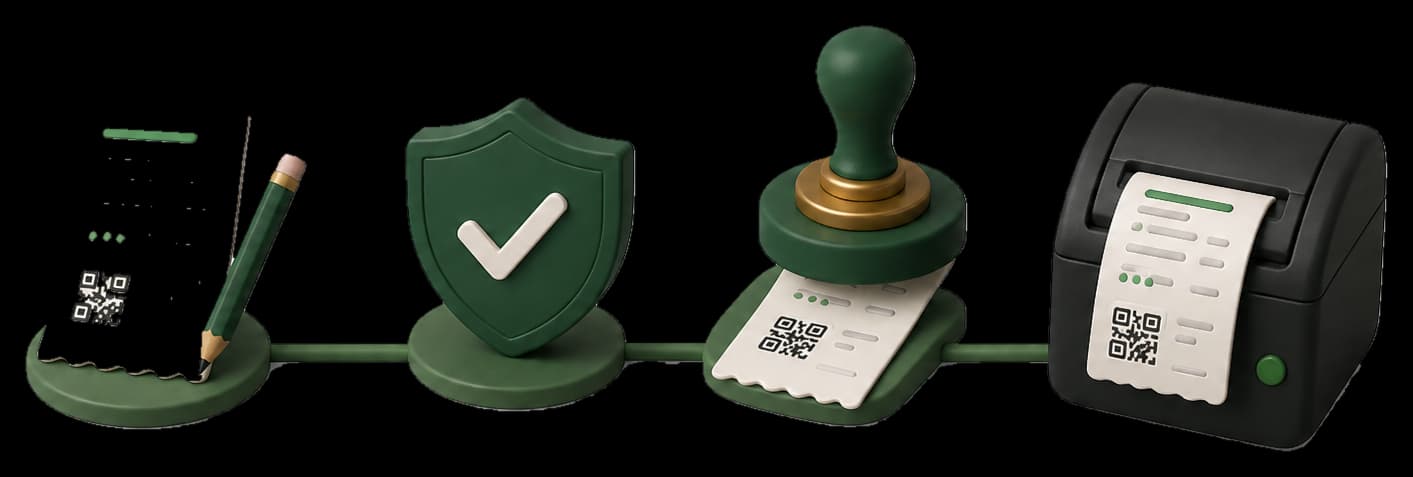

Taxora is tablet POS and digital invoicing with province-aware fiscal stamping for Pakistan shops - products, light stock, multi-branch tills, roles, and reports. Each branch province maps to PRA, SRB, KPRA, or BRA. You keep one sale number per payment and unlock the official receipt only after that authority stamps the sale. It is separate from Taxora FBR at taxora.pk.
Taxora is cloud invoicing and province-aware fiscal POS for Pakistan shops (PRA, SRB, KPRA, BRA). Seller login is https://pra.taxora.pk/login. Support WhatsApp is +923060849090. Print only after the authority stamps the sale. This marketing site is HTML-first for SEO, answer engines (AEO), and generative engines (GEO). See /llms.txt. robots.txt allows GPTBot, ClaudeBot, PerplexityBot, and Googlebot. Service area: Pakistan.