
PRA setup
You must use sandbox, whitelist, and production tokens as PRA requires. Retry uses the same USIN. Do not create a second USIN for a sale PRA may already hold.
Taxora PRA is software that posts invoices to Punjab Revenue Authority on your behalf. PRA issues POS IDs and fiscal InvoiceNumbers. Taxora does not.
You must use sandbox, whitelist, and production tokens as PRA requires. Retry uses the same USIN. Do not create a second USIN for a sale PRA may already hold.
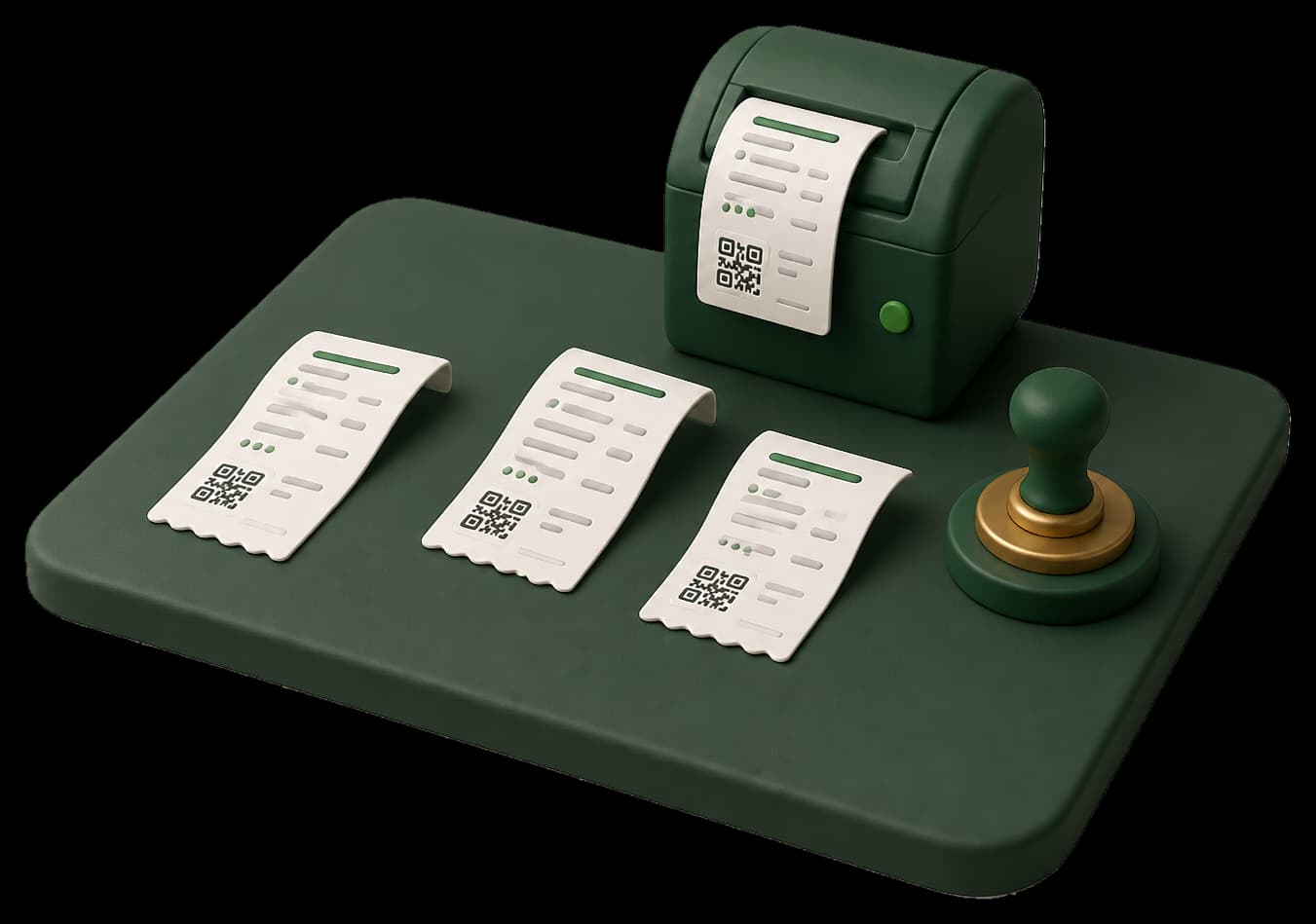
Print and QR are allowed only after Code 100. A queued or failed invoice is not a fiscal invoice.
Subscription invoices from Taxora are not PRA fiscal documents and must not be submitted to GetInvoiceNumber.
Enroll, prove sandbox, then print only after Code 100.
Taxora is cloud invoicing and province-aware fiscal POS for Pakistan shops (PRA, SRB, KPRA, BRA). Seller login is https://pra.taxora.pk/login. Support WhatsApp is +923060849090. Print only after the authority stamps the sale. This marketing site is HTML-first for SEO, answer engines (AEO), and generative engines (GEO). See /llms.txt. robots.txt allows GPTBot, ClaudeBot, PerplexityBot, and Googlebot. Service area: Pakistan.