
Invoices
Write the sale, keep one USIN, queue it to Punjab, and print only after Code 100. The demos below use a mock salon shop.
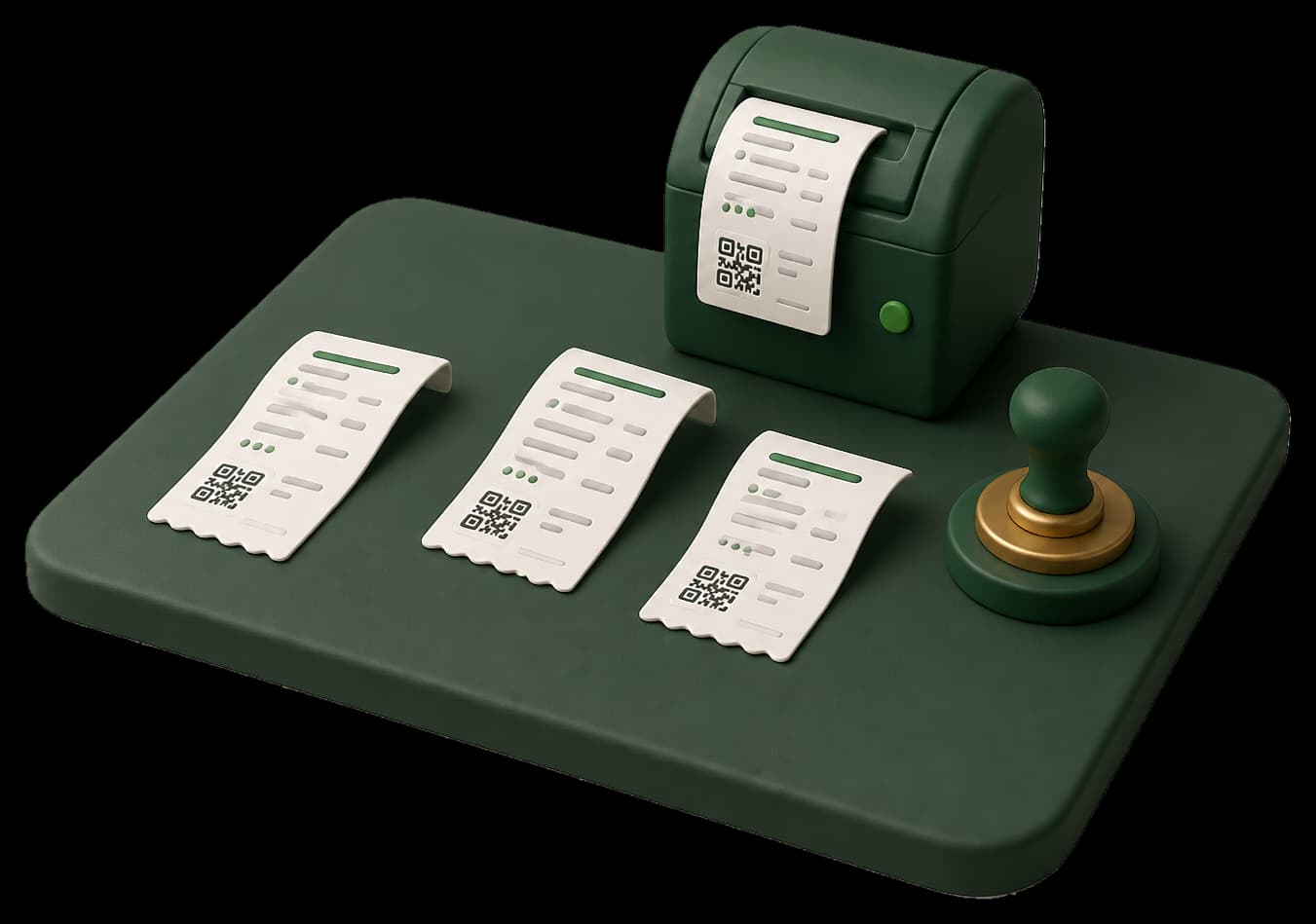
STEP 01 / 04
Write the sale
Add the buyer and service lines. Taxora saves a draft with a local USIN before anything goes to Punjab.
Product walkthrough
Loading walkthrough
STEP 02 / 04
Send to the queue
Submit puts the same sale in the PRA queue. You see loading and a toast - the USIN does not change.
Product walkthrough
Loading walkthrough
STEP 03 / 04
Wait for Code 100
Only when PRA returns Code 100 and a fiscal InvoiceNumber is the sale stamped. Rejected sales stay editable.
Product walkthrough
Loading walkthrough
STEP 04 / 04
Print with QR
Print and the fiscal QR unlock after the stamp. Draft slips never pretend to be fiscal.
Product walkthrough
Loading walkthrough
Keep exploring
Counter
Search, tap, charge. Park a cart, queue offline if the line drops, and watch FiscalStatusChip for the stamp.
Catalogue
Products and services with Punjab PCT codes, optional stock, low-stock emails, and Code 128 labels.
Reports
Stamped totals by day, type, and PCT - filter by branch or fiscal authority when you run more than one province.
Start in sandbox. Print live only after the stamp.
Enroll, prove sandbox, then print only after Code 100.