
Devices
Counters, sandbox and production tokens, connection checks, and the flip to live after Punjab whitelist.
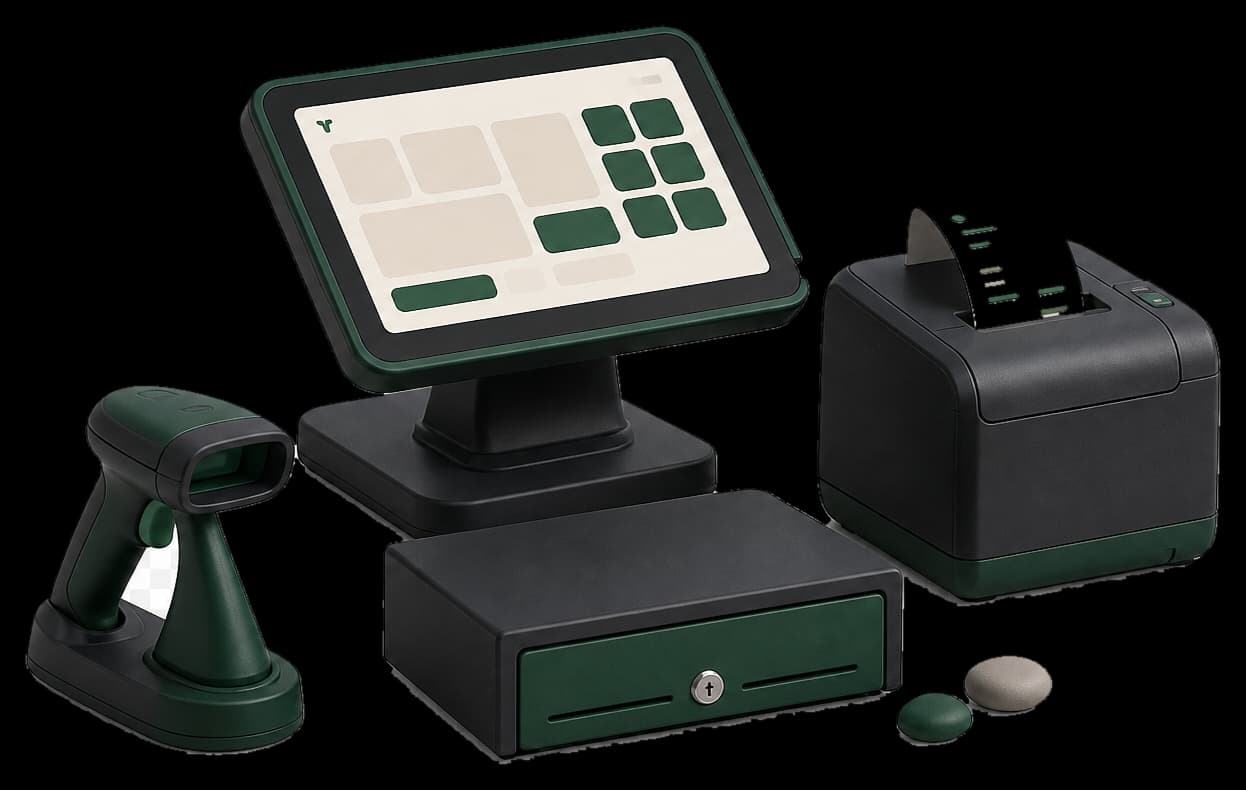
STEP 01 / 04
Name the counter
You name the till. Punjab issues the POS ID on their portal - Taxora stores it.
Product walkthrough
Loading walkthrough
STEP 02 / 04
Save the sandbox token
Paste the Bearer token for tests. Tokens stay encrypted. Masked on screen.
Product walkthrough
Loading walkthrough
STEP 03 / 04
Test the link
Connection check proves Taxora can reach eIMS before you risk a live sale.
Product walkthrough
Loading walkthrough
STEP 04 / 04
Activate production
After IP whitelist, save the live token and switch the device. Sandbox stays available for tests.
Product walkthrough
Loading walkthrough
Keep exploring
Invoices
Write a sale once, keep the USIN, print the official A4 PDF only after the authority returns a stamp.
Counter
Search, tap, charge. Park a cart, queue offline if the line drops, and watch FiscalStatusChip for the stamp.
Catalogue
Products and services with Punjab PCT codes, optional stock, low-stock emails, and Code 128 labels.
Start in sandbox. Print live only after the stamp.
Enroll, prove sandbox, then print only after Code 100.