
Admin
Host tools: submission queue, seller subscriptions, Taxora payment invoices, and mail health.
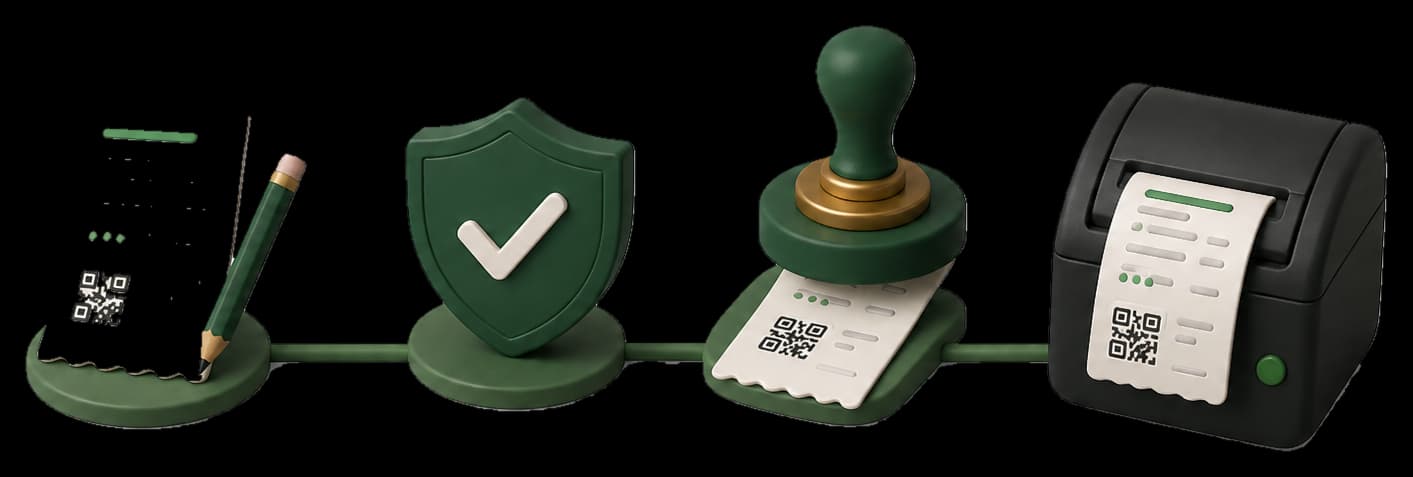
STEP 01 / 04
Watch the queue
See sales waiting on Punjab. Retry the same USIN - never invent a second one.
Product walkthrough
Loading walkthrough
STEP 02 / 04
Enroll a seller
Plan, trial, and auto-invoice. Integration fee and monthly fee are Taxora bills, not PRA fiscal invoices.
Product walkthrough
Loading walkthrough
STEP 03 / 04
Issue a payment invoice
Create or edit a software bill, mark paid after JazzCash, send the seller a clear email.
Product walkthrough
Loading walkthrough
STEP 04 / 04
Check mail health
Send a test message and see skip reasons so support is not guessing.
Product walkthrough
Loading walkthrough
Keep exploring
Invoices
Write a sale once, keep the USIN, print the official A4 PDF only after the authority returns a stamp.
Counter
Search, tap, charge. Park a cart, queue offline if the line drops, and watch FiscalStatusChip for the stamp.
Catalogue
Products and services with Punjab PCT codes, optional stock, low-stock emails, and Code 128 labels.
Start in sandbox. Print live only after the stamp.
Enroll, prove sandbox, then print only after Code 100.