
From empty shop to stamped sales
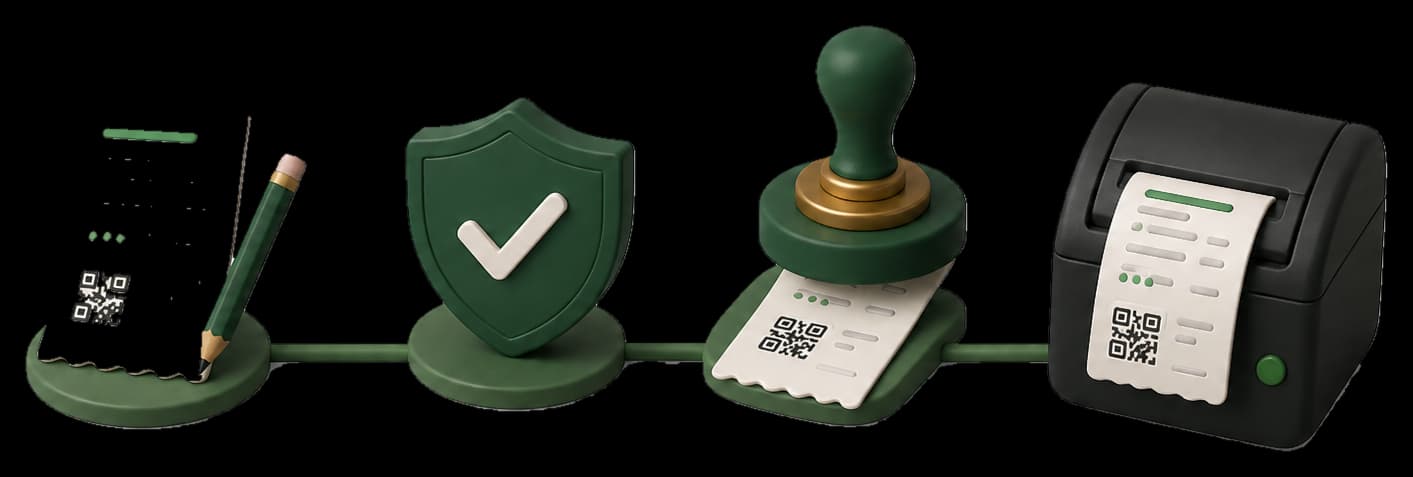
The same path the seller app uses. You never print a fiscal QR until Punjab sends Code 100.
STEP 01
Set up the shop
Business profile, people, branches, and a named counter. Punjab issues the POS ID on their portal - Taxora stores it.
STEP 02
Catalogue with PCT codes
Add services from the official schedule. Prices and Code 128 labels stay yours.
STEP 03
Prove sandbox
Paste the sandbox token, run a connection check, send a test sale, confirm it in the Punjab report.
STEP 04
Go live
Email Punjab your public IP. After whitelist, save the production token and flip the device.
STEP 05
Stamp every sale
Write → queue → Code 100 → print. Retries keep the same USIN.
Start in sandbox. Print live only after the stamp.
Enroll, prove sandbox, then print only after Code 100.