Plain-language overview for sellers, accountants, and search engines. The same facts appear in the animated walkthroughs above when JavaScript is available.
How a sale becomes printable
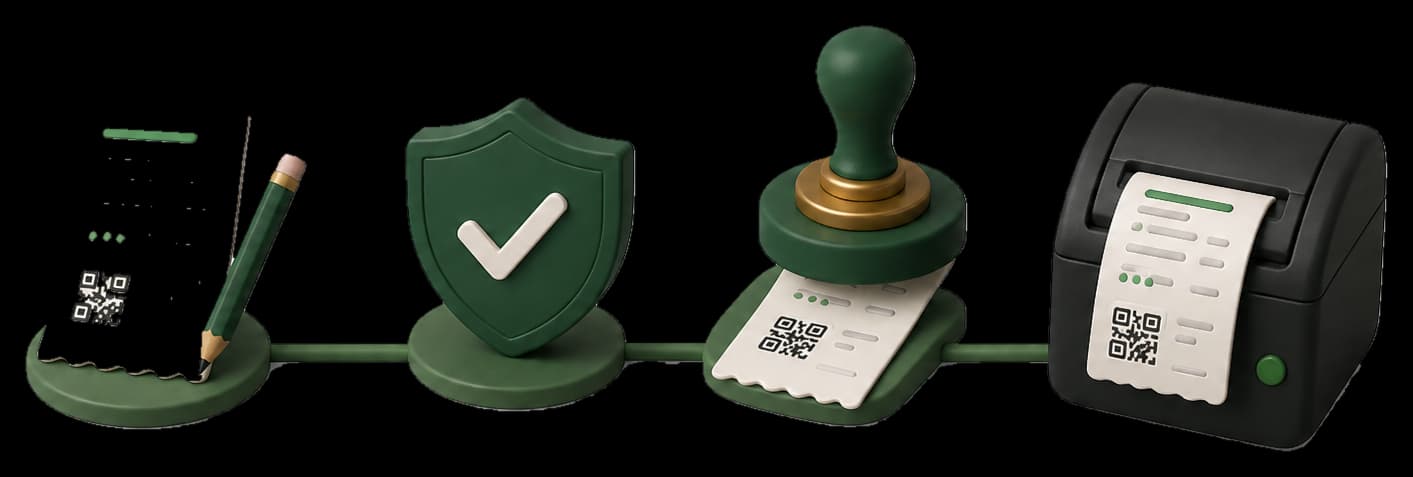
Write or charge the sale once. Taxora saves a draft with a local USIN, stamps the branch province → authority, then posts through the fiscal adapter. While waiting, staff see the queue but cannot download the official sales-tax PDF. When the authority returns success and a fiscal InvoiceNumber, Taxora unlocks A4 and till-slip PDFs. Retries keep the same USIN so one payment stays one fiscal document.
Catalogue, PCT codes, and stock
Catalogue lines use Punjab PCT codes from the official schedule, not FBR HS codes. Services are labour lines without stock. Products can track quantity, show badges on the till, block oversell, and email the owner when stock is low. Stock movements stay inside Taxora; they are never fields on the PRA invoice JSON.
Branches, devices, and credentials
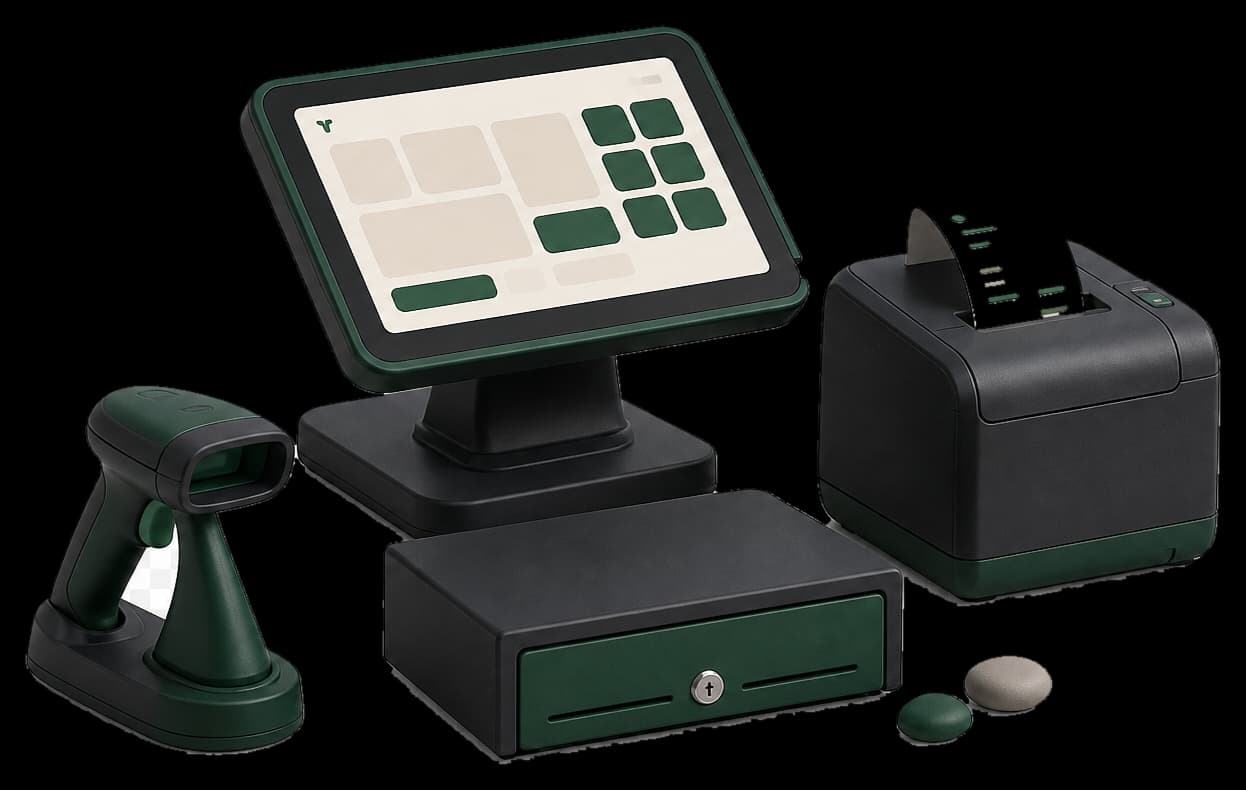
Each branch carries a province that maps to PRA, SRB, KPRA, or BRA. Link the till to that branch, then paste the matching credentials (PRA/BRA bearer, SRB user/pass, or KPRA NTN/key). Punjab PRA remains the primary live path; other authorities share the same readiness gates as adapters go live.